Back to Tools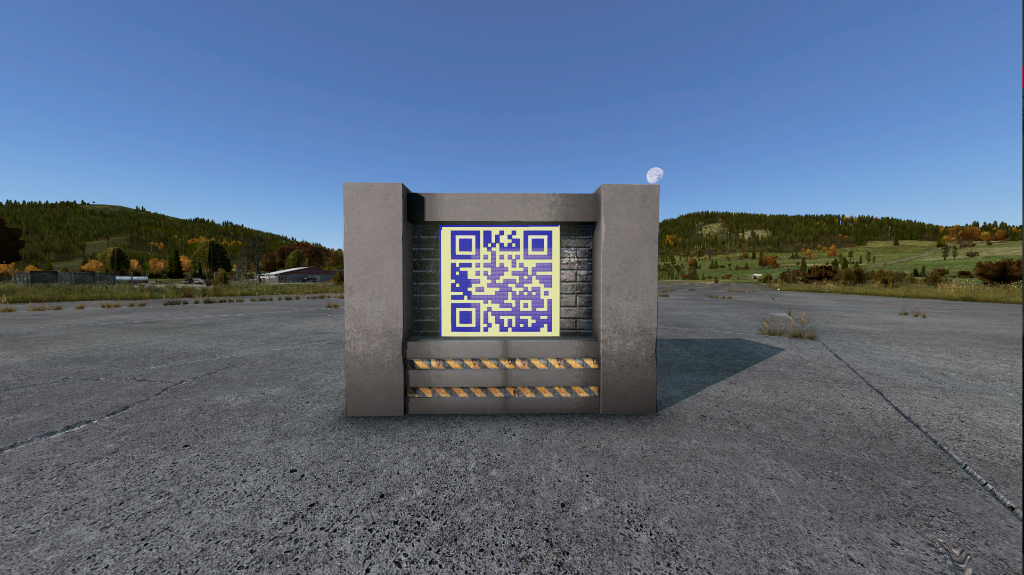
In-Game QR Code Generator
Generate a DayZ Editor JSON billboard with a scannable QR code — ready to import and spawn in-game
Discord invite detected.
Lower = fewer in-world objects. Use M unless scanning reliability is poor.
X
Y (height)
Z
Default matches the demo file. Adjust to face players.
Always set Yaw AND Position together
Changing Yaw rotates the entire billboard as one unit. If you only change Yaw without updating X/Y/Z (or vice versa), the structure will spawn incorrectly.
≈ 0.0405 in demo
≈ 0.05 in demo
Include billboard structure
Adds the 29 support objects (poles, gate, camera). They rotate with the billboard.
.json
Output Summary
QR grid 25 × 25Box objects 342Structure objects 29Total objects 371Physical width 1.012m
Billboard preset (original)
How to use
- Enter your Discord invite link or any URL above.
- Set a spawn position using your in-game coordinates.
- Download the JSON file.
- In DayZ Editor: File → Import the JSON.
- The full billboard with QR code will appear — spawn it in-game.